
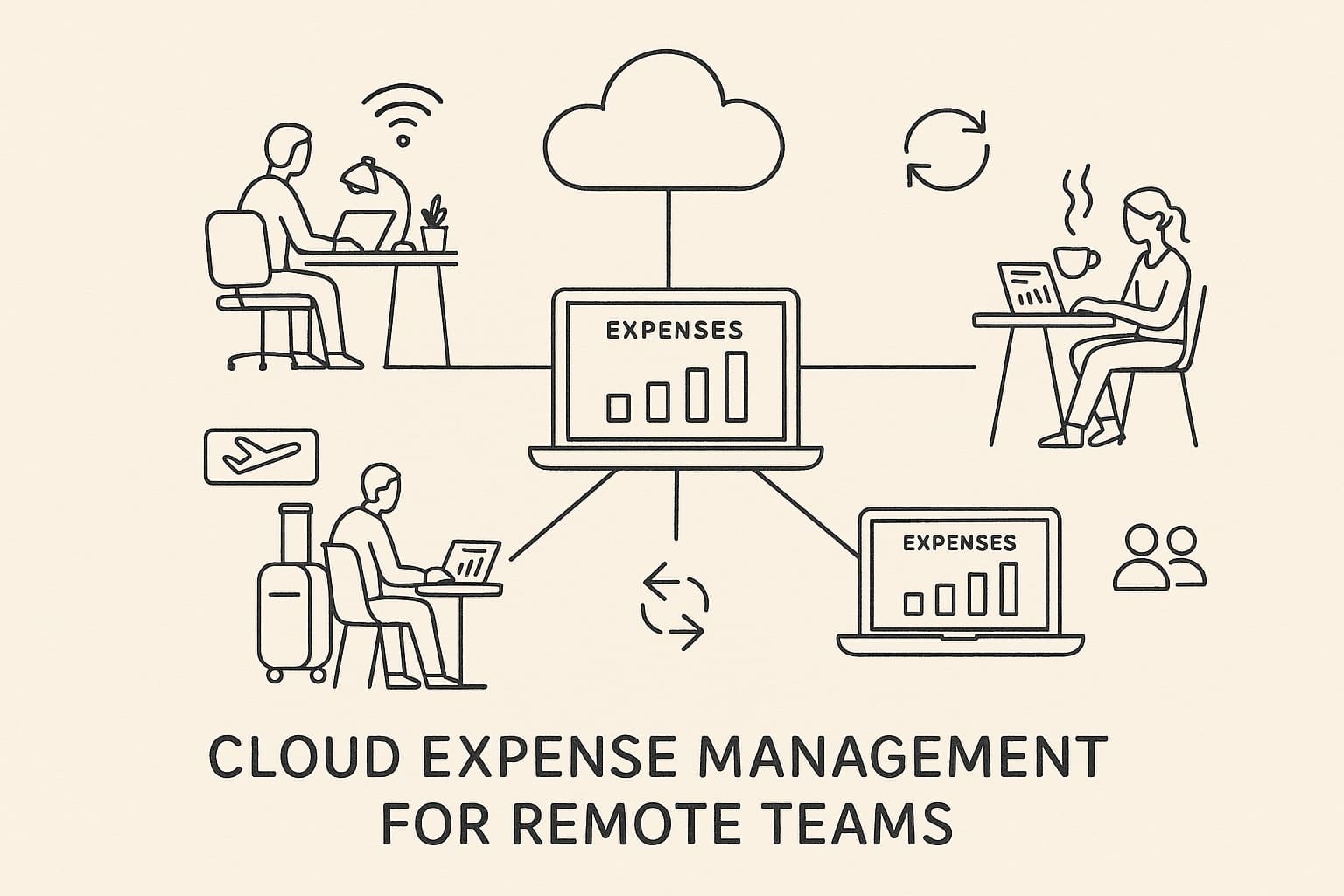
Managing expenses across a distributed workforce is one of the most underrated operational challenges for modern companies. When your team spans multiple time zones, countries, and currencies, traditional expense management — paper receipts, shared spreadsheets, monthly expense email blasts — completely breaks down.
Cloud-based expense management solves this. In this guide, we'll walk through how it works, what to look for in a platform, and how tools like Bill.Dock make the process seamless for remote and hybrid teams of any size.
Why Remote Teams Need Cloud Expense Management
Traditional expense management was designed for office workers. Someone collects receipts, fills out a form, hands it to their manager, who approves it, and passes it to finance. That workflow relies on physical proximity.
Remote teams have none of that. They have:
- Employees buying SaaS tools, hardware, coworking passes, and travel tickets independently
- Managers approving from their laptops at 10pm in a different country
- Finance teams reconciling across multiple currencies and VAT regimes
- No physical paper — but often no central digital system either
The result? Missed receipts, delayed reimbursements, duplicate charges, VAT lost on unclaimed expenses, and serious friction between employees and finance.
Cloud-based expense management moves the entire process online: receipt capture, categorization, approval workflows, policy enforcement, and accounting integration. Everything runs in real time, from any device, anywhere.
Key Challenges for Distributed Teams
Before choosing a tool, it helps to understand what you're actually solving for.
1. Receipt Capture at the Moment of Purchase
The best time to log an expense is when it happens. An employee in Stockholm buying a flight to Barcelona on their personal card needs to snap the receipt immediately — otherwise it's lost in a folder, or buried in email, or simply forgotten.
Cloud apps with mobile capture solve this. Snap → categorize → submit, all from a phone in under 30 seconds.
2. Multi-Currency and Multi-Country Complexity
Remote teams often operate across EUR, GBP, USD, SEK, NOK, DKK, and others. A receipt in Norwegian krone needs to be converted to the reporting currency using the correct exchange rate on the correct date. Tax rules differ by country. VAT reclaim eligibility differs by jurisdiction.
A cloud system should handle currency conversion automatically and flag cross-border VAT considerations.
3. Approval Workflows Without Bottlenecks
If the only person who can approve an expense is a manager in a different timezone, reimbursements slow down and employees get frustrated. Cloud platforms let you set up multi-level approval chains, delegation rules, and escalation paths that work 24/7.
4. Policy Enforcement at Scale
When you have 5 employees, you can handle exceptions manually. When you have 50 across 8 countries, you need automated policy checks. Cloud systems can enforce per-diem limits, flag out-of-policy expenses, require justification for certain categories, and auto-reject duplicates.
5. Integration with Accounting and Payroll
Expense data needs to flow into your accounting system — whether that's DATEV, Xero, QuickBooks, or a custom ERP. Manual CSV exports introduce errors and delays. Cloud platforms with native integrations sync data in real time.
How Cloud-Based Expense Management Works
A modern cloud expense platform typically covers five core flows:
Flow 1: Receipt Capture
Employees photograph receipts using a mobile app (iOS/Android) or forward email receipts to a dedicated address. The platform uses OCR (optical character recognition) and increasingly AI extraction to read:
- Vendor name
- Date
- Amount and currency
- VAT amount
- Category (inferred from merchant type)
The receipt is stored in the cloud, attached to the expense record, and the original image is preserved for audit purposes.
Flow 2: Expense Categorization
Expenses are tagged to categories (travel, software, meals, equipment) — either by the employee or auto-suggested by AI. Categories map to your chart of accounts so bookkeeping is automatic.
Good platforms allow custom category trees to match your company's cost centers or project codes.
Flow 3: Approval Workflow
Once submitted, expenses route through your defined approval workflow:
- Manager approves (or requests more info)
- Finance reviews for policy compliance
- CFO signs off above threshold (e.g., >€500)
Approvals happen via browser or mobile. Notifications via email, Slack, or Teams keep the process moving.
Flow 4: Reimbursement or Credit Card Reconciliation
For employee reimbursements, approved expenses trigger a payment run. For corporate card expenses, the platform reconciles transactions from the card feed against submitted receipts.
Flow 5: Accounting Export
Approved expenses are posted to your accounting system — mapped to the correct GL codes, cost centers, projects, and VAT categories. DATEV export, SEPA files, Xero sync, or custom webhooks.
What to Look for in a Cloud Expense Management Tool
Not all platforms are equal. Here's a comparison of the critical features for remote teams:
| Feature | Why It Matters for Remote Teams |
|---|---|
| Mobile-first receipt capture | Employees are on the move — desktop-only is a non-starter |
| AI/OCR extraction | Reduces manual entry, speeds up submission |
| Multi-currency support | Essential for international teams |
| Flexible approval workflows | Remote managers need async options |
| Policy rules engine | Enforce limits, categories, and compliance automatically |
| Accounting integrations | DATEV, Xero, QuickBooks, custom |
| Audit trail | Required for GoBD (DE), GDPR, tax audits |
| Role-based access | Different permissions for employees, managers, finance, admins |
| Bulk operations | Finance teams need to process hundreds of expenses efficiently |
Bill.Dock for Remote Teams
Bill.Dock is purpose-built for the way modern distributed teams work. Here's what makes it particularly suited for remote and hybrid setups:
AI-Powered Receipt Capture
The Bill.Dock mobile app lets employees snap receipts instantly. The AI engine extracts vendor, date, amount, currency, and VAT automatically — no manual entry needed. Whether it's a coffee receipt from a co-working space in Amsterdam or a software invoice from a US vendor, Bill.Dock reads it accurately.
Real-Time Sync Across Devices
Expenses submitted on mobile appear instantly in the browser dashboard for managers and finance. No delay, no email attachments, no "did you get my receipt?" messages.
Multi-Language, Multi-Country
Bill.Dock supports English, German, Danish, Spanish, Italian, Dutch, Norwegian, and Swedish — making it the right tool for European distributed teams who need a platform that speaks their language, literally.
DATEV and GoBD Compliance (for German-market clients)
For companies with German entities or German bookkeeping requirements, Bill.Dock exports in DATEV-compatible format and stores receipts in a GoBD-compliant manner — immutable, timestamped, and audit-ready.
Transparent Per-Seat Pricing
Remote teams scale up and down. Bill.Dock's pricing is per-seat with no hidden fees, making it easy to add contractors, part-time employees, or project-based staff without surprises.
Setting Up Cloud Expense Management for Your Remote Team
Here's a practical step-by-step to get your team running smoothly:
Step 1: Audit Your Current Pain Points
Before picking a tool, understand where your process breaks down:
- How many receipts are lost per month?
- How long does reimbursement take?
- How many hours does finance spend on reconciliation?
- What's your biggest compliance risk?
Document these as requirements, not features.
Step 2: Define Your Expense Policy
Your expense management software will only be as good as your expense policy. Define:
- Reimbursable vs. non-reimbursable categories (meals with clients = yes; personal groceries = no)
- Per-diem limits by country (see table below)
- Approval thresholds (e.g., >€200 requires manager + CFO)
- Required documentation (receipt always required; for cash expenses under €15, description is sufficient)
- Submission deadline (e.g., within 30 days of expense date)
Step 3: Configure Your Platform
Set up the tool to match your policy:
- Import your chart of accounts and map to categories
- Create your approval workflow tree
- Set per-category spend limits
- Configure accounting integration
Step 4: Onboard Your Team
A 15-minute async video walkthrough is usually enough. Cover:
- How to photograph and submit a receipt
- How to categorize expenses
- What "awaiting approval" means and who to contact
Step 5: Monitor and Iterate
Review your expense data monthly:
- Top categories by spend
- Policy exceptions and overrides
- Average approval time
- Missing receipts rate
Use these metrics to tighten your policy and improve the workflow.
Per-Diem Rates for Remote Team Business Travel (2026)
When remote employees travel on business, per-diem allowances apply. Here are the standard rates for key European countries:
| Country | Daily Meal Allowance | Mileage Rate | Tax Authority |
|---|---|---|---|
| 🇩🇪 Germany | €14 (partial day) / €28 (full day) | €0.30/km | Finanzamt / BMF |
| 🇦🇹 Austria | €26.40/day | €0.42/km | BMF Österreich |
| 🇨🇭 Switzerland | CHF 30/day | CHF 0.70/km | ESTV |
| 🇩🇰 Denmark | DKK 584/day | DKK 2.23/km | Skattestyrelsen |
| 🇸🇪 Sweden | SEK 520/day | SEK 25/10km | Skatteverket |
| 🇳🇴 Norway | NOK 695/day | NOK 3.50/km | Skatteetaten |
| 🇳🇱 Netherlands | €65/day | €0.23/km | Belastingdienst |
| 🇪🇸 Spain | €53.34/day (domestic) | varies | Agencia Tributaria |
| 🇮🇹 Italy | €46.48/day | varies | Agenzia delle Entrate |
Remote teams operating across borders should automate per-diem tracking — manual calculation at these rates, in multiple currencies, for multiple employees, is error-prone. Bill.Dock handles this automatically.
Common Mistakes Remote Teams Make with Expense Management
Mistake 1: No Written Policy
"We trust everyone to be reasonable" is not an expense policy. Without clear rules, you get inconsistent claims, disagreements during audits, and unhappy employees who don't know what they're entitled to.
Mistake 2: Allowing Expense Submission Backlogs
Employees who submit expenses three months late create serious reconciliation problems. Accounting periods close, exchange rates shift, receipts become illegible. Set a firm 30-day submission rule and enforce it automatically.
Mistake 3: Mixing Personal and Business on the Same Card
This is extremely common in small remote teams. One person uses their personal card for everything, then tries to sort it out at month end. The solution: either provide corporate cards or require immediate digital receipt capture at point of purchase.
Mistake 4: Ignoring VAT Reclaim
Many remote teams — especially smaller ones — don't claim back VAT on eligible business expenses. In Germany, the standard VAT rate is 19%. If your team spends €10,000/month on business expenses with VAT, you're potentially leaving €1,600/month on the table.
A proper cloud expense system tracks VAT amounts on every receipt and generates the data your tax advisor needs to reclaim it.
Mistake 5: Using Spreadsheets Past 10 People
Spreadsheets work fine for one person. For a team of 10+ with different managers, currencies, and expense types, they become a maintenance nightmare. The time your finance team spends manually aggregating and checking spreadsheets costs more than any SaaS subscription.
Cloud Expense Management vs. Traditional Approaches
| Approach | Setup Effort | Error Rate | Approval Speed | Compliance | Cost |
|---|---|---|---|---|---|
| Paper + Excel | Low | High | Slow | Poor | Low (but hidden costs) |
| Email-based | Low | Medium | Slow | Poor | Low |
| Basic cloud (Drive/Sheets) | Medium | Medium | Medium | Poor | Low |
| Dedicated cloud platform | Medium | Low | Fast | Strong | Medium |
| Enterprise ERP module | High | Low | Configurable | Strong | High |
For remote teams between 5 and 500 employees, a dedicated cloud platform hits the sweet spot of compliance, speed, and cost-effectiveness.
Integration Ecosystem: What Your Expense Tool Should Connect To
A cloud expense platform doesn't live in isolation. For remote teams, the key integrations are:
Accounting Software
- DATEV (Germany) — required for most German-entity companies
- Xero — popular with European scale-ups
- QuickBooks — common for US-headquartered companies
- lexoffice / sevDesk — popular for German SMBs
Payroll and HRIS
- Personio, BambooHR, HiBob
- For syncing employee data, team structures, and reimbursement to payroll
Communication Tools
- Slack / Microsoft Teams for approval notifications
- Email for receipts forwarding
Banking
- Direct bank feed integration for credit card reconciliation
- SEPA payment file export for bulk reimbursements
Bill.Dock tools and integrations →
Security and Compliance for Cloud Expense Data
When your expense data lives in the cloud, security is non-negotiable. Remote teams are especially vulnerable because:
- Employees access the system from personal devices on home networks
- Receipts often contain sensitive vendor and pricing information
- Cross-border data storage raises GDPR questions
What to look for in a compliant cloud expense platform:
- GDPR compliance — data stored in EU (essential for European teams)
- SOC 2 certification — independent security audit
- Role-based access control — employees can only see their own data; managers see their team's
- Immutable audit trail — every action logged and timestamped
- Two-factor authentication — required for all user accounts
- Data encryption — at rest and in transit
GoBD note for German entities: The GoBD (Grundsätze zur ordnungsmäßigen Führung und Aufbewahrung von Büchern, Aufzeichnungen und Unterlagen in elektronischer Form) requires that digital receipts be stored immutably and remain readable for 10 years. Cloud platforms that claim GoBD compliance must demonstrate this specifically — not just general "GDPR compliance."
ROI of Cloud Expense Management for Remote Teams
Is it worth it? Here's a rough ROI calculation for a 25-person remote team:
| Cost / Saving | Monthly Estimate |
|---|---|
| SaaS subscription (25 seats) | -€125/month |
| Finance team time saved (5h/month → 30min) | +€375/month savings |
| Fewer lost receipts (avg 2-3% of spend) | +€200-400/month |
| VAT reclaim improvement | +€300-600/month |
| Faster reimbursement → happier employees | Intangible |
| Net benefit | +€750–1250/month |
The math is clear: for most remote teams, cloud expense management pays for itself many times over.
FAQ
What is cloud-based expense management?
Cloud-based expense management is software that lets employees submit, categorize, and track business expenses from any device, with approval workflows, accounting integration, and reporting happening in real time via a web or mobile interface — no local software or paper required.
Why is cloud expense management better for remote teams?
Remote teams can't rely on physical processes (handing in paper receipts, face-to-face approvals). Cloud platforms work asynchronously across time zones and devices, which matches how remote teams actually operate.
How does Bill.Dock help remote teams?
Bill.Dock provides mobile receipt capture with AI extraction, multi-currency support, configurable approval workflows, and accounting exports — all accessible from any device, anywhere. It's particularly strong for European teams needing DATEV export or GoBD compliance.
Is cloud expense management GDPR compliant?
The best platforms store data in EU data centers and comply with GDPR. Always verify data residency before signing up — especially important for European companies with employee data.
How long does it take to set up cloud expense management?
For a typical 10-50 person remote team using a tool like Bill.Dock, full setup (account configuration, policy setup, team onboarding) typically takes 1-2 days. Accounting integration may require your bookkeeper's involvement.
Can remote contractors use cloud expense management?
Yes. Most platforms allow you to invite contractors with limited access — they can submit expenses and track reimbursement status, but can't see other employees' data or access admin settings.
What happens if an employee loses a receipt?
Most platforms allow a "no receipt" option with a mandatory description. Some countries allow this under a certain amount (e.g., Germany allows simplified receipts for purchases under €250). Your platform should enforce your policy rules on this automatically.
How does currency conversion work in cloud expense management?
The platform automatically looks up the exchange rate on the date of the expense and converts to your reporting currency. The original currency and converted amount are both stored. For VAT reclaim purposes, the original currency receipt is preserved.
Conclusion
For remote and distributed teams, cloud-based expense management isn't a luxury — it's infrastructure. The alternative is a growing pile of lost receipts, delayed reimbursements, frustrated employees, and compliance risk.
The right platform removes friction at every step: from the moment an employee photographs a receipt on their phone in a Berlin co-working space, to the DATEV export that hits your bookkeeper's inbox Monday morning.
Try Bill.Dock free for your remote team →
Whether you're a 10-person startup with employees across Europe, or a 200-person scale-up managing expenses in 8 currencies, Bill.Dock scales with you — without the enterprise price tag.