

Managing receipts is a universal challenge for professionals. Whether you're a consultant navigating airports, a freelancer preparing for tax season, or a small business owner tracking every cost, the friction is the same: lost paper, faded ink, and hours spent on manual data entry. That Friday afternoon back-and-forth with accounting to reconcile expenses is a familiar, and entirely avoidable, drain on productivity. To fix this, you need a modern digital system for organizing business receipts, moving beyond the shoebox of receipts for good.
This guide evaluates the best receipt scanning apps available today, focusing on what matters to a busy professional: accuracy, speed, compliance, and integration. We analyse how each tool addresses specific pain points, from multi-currency transactions for frequent travellers to the strict documentation needs of regulated industries. The goal is to identify a solution that eliminates administrative burdens, not create new ones. This comparison focuses on practical application for individuals and small teams, positioning simpler, mobile-first alternatives against complex enterprise procurement systems like SAP Concur or Spendesk.
We've assessed each application based on hands-on use, providing a clear breakdown of features, ideal user profiles, and practical limitations. For each option, you will find direct links and screenshots to aid your evaluation. You will learn which apps excel at extracting detailed line items, which are best for multi-currency support in Europe and Asia, and which offer the simplest path from a photo to a compliant expense record. This resource is designed to help you quickly find the right tool for your specific needs and reclaim the time lost to manual expense management.
1. Bill.Dock
Bill.Dock is a highly efficient, AI-driven platform for professionals who need fast, compliant expense reporting without the complexity of enterprise-level systems like SAP Concur or Expensify. Its core strength is its “one-snap” workflow, converting a receipt photo or a forwarded email invoice into a complete, tax-ready expense entry. This focus on automation makes it one of the best receipt scanning apps for minimising manual data entry, a significant time-saver for frequent travellers, consultants, and freelancers.
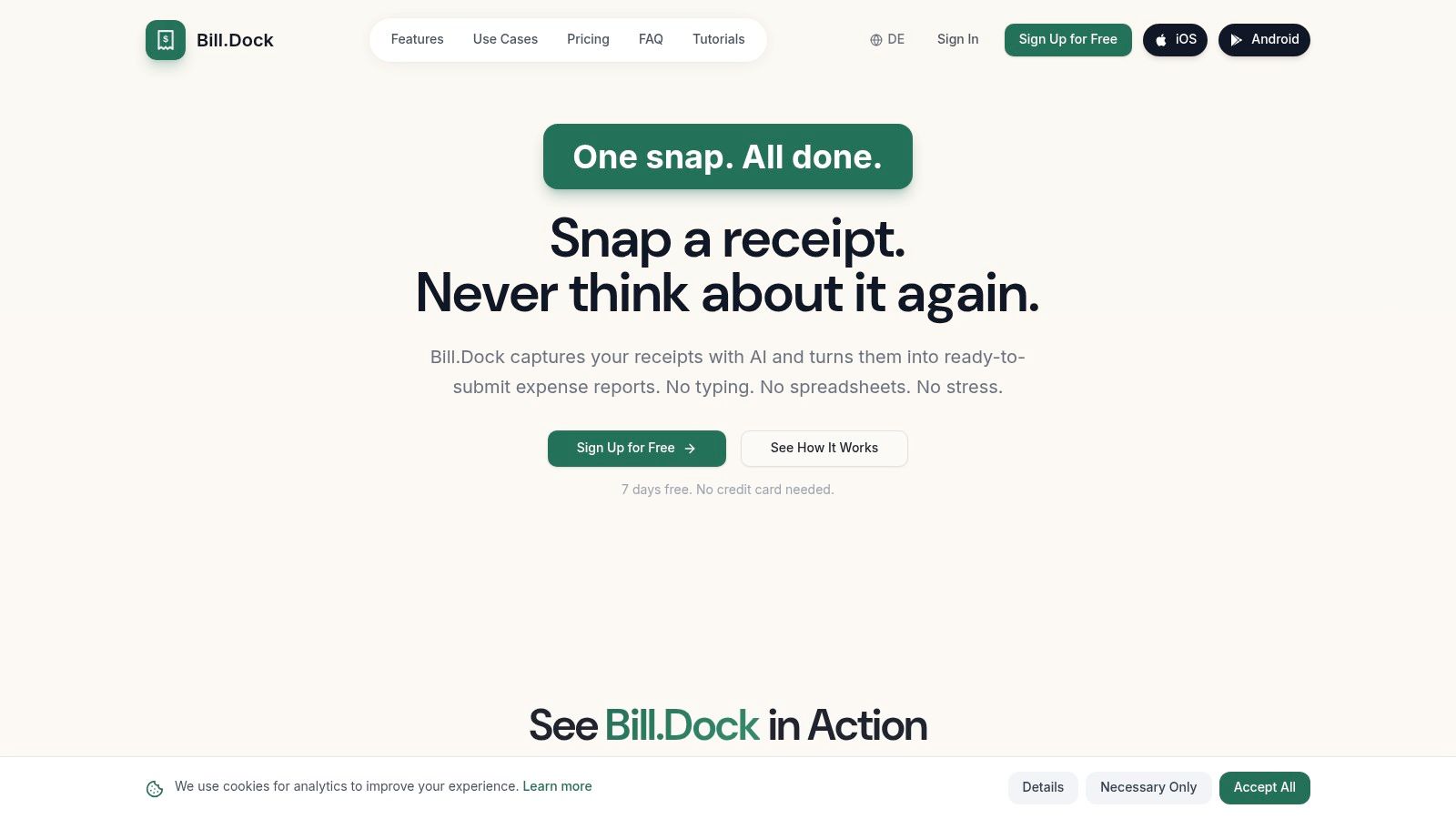
The platform’s AI achieves over 95% accuracy in extracting key data including the merchant, date, amount, and VAT. It then intelligently suggests details like business purpose, effectively reducing the tedious work required for expense submissions. All receipts are securely stored on GDPR-compliant EU servers (Frankfurt) and synced across Web, iOS, and Android apps, organised for easy retrieval.
Key Features and Use Cases
Bill.Dock is particularly well-suited for professionals operating within or travelling to Europe, especially the DACH region, the UK, and Singapore.
- VAT Compliance: It offers specific VAT handling for multiple countries and GoBD-compliant document retention for Germany. This built-in localisation removes a major compliance headache for businesses in the region.
- Delegate Access: A standout feature for consultants or executives who rely on personal assistants. You can grant secure access to an accountant or PA, allowing them to manage expenses without sharing full account credentials.
- Multi-Currency Support: The app recognises over 150 currencies and automatically converts amounts into your designated home currency. This is essential for international business travellers who need accurate reports without manual currency calculations.
- Flexible Exports: Reports can be exported as PDF, Excel, or CSV, providing the exact format required by most accounting departments or for tax filings.
Pricing and Access
Bill.Dock offers a transparent pricing structure with a 30-day free trial that does not require a credit card.
- Starter: €59/year
- Pro: €99/year
- Enterprise: €199/year
Pros:
- High-accuracy AI data extraction significantly reduces manual work.
- Delegate access is ideal for professionals with administrative support.
- Robust multi-currency handling for international travel.
- GDPR compliant with EU servers.
Cons:
- It is a focused tool for individuals and small teams, not a full enterprise expense platform with procurement workflows.
- While it exports to formats compatible with all major accounting software, it lacks direct API integrations with systems like QuickBooks or Xero.
Website: https://www.billdock.io
2. Adobe Scan
Adobe Scan is a powerful, general-purpose mobile scanner, not a dedicated expense management tool. Its primary strength lies in its high-quality PDF creation and deep integration within the Adobe ecosystem, making it an excellent choice for professionals already using Acrobat Pro and Adobe Cloud for document management. The app is not designed to extract detailed expense data like VAT or merchant information automatically, but it excels at creating clean, searchable, and archivable digital copies of receipts.
For freelancers or small business owners who simply need to digitise a shoebox of receipts for their tax advisor, Adobe Scan is a highly effective, free solution. The automatic edge detection and image cleanup produce professional-looking scans, a significant step up from a simple phone photograph. The Optical Character Recognition (OCR) makes the resulting PDFs text-searchable, which is invaluable for locating a specific receipt months later.
Core Functionality & Use Case
While not a competitor to dedicated expense platforms like Bill.Dock or Rydoo, Adobe Scan serves a different, crucial purpose: document archival.
- Best For: Individuals and professionals who require high-fidelity digital copies of receipts for record-keeping and tax compliance, but handle data entry separately.
- Primary Use Case: Quickly capturing and converting stacks of paper receipts into multi-page, searchable PDFs that can be saved to Adobe Cloud, shared with an accountant, or stored in a digital filing system. The batch scanning mode is particularly efficient for processing many receipts at once.
- Limitations: It does not automatically parse and categorise expense data. Users must manually enter details into a spreadsheet or accounting software.
The premium subscription, required for features like exporting to Word/Excel or combining files, may be unnecessary for those who only need basic PDF scanning. However, for users already subscribed to Adobe Acrobat Pro, these features are often included, adding significant value.
- Website: https://www.adobe.com/
3. Genius Scan (The Grizzly Labs)
Genius Scan carves out a niche as a fast, privacy-centric mobile scanner that prioritises capture quality and user control over comprehensive expense management. Its core appeal lies in its on-device processing, meaning your receipts and documents are not uploaded to a third-party server for OCR, a key consideration for professionals in regulated industries like law or pharma. This makes it a dependable tool for quickly digitising receipts without the friction of a full accounting platform.
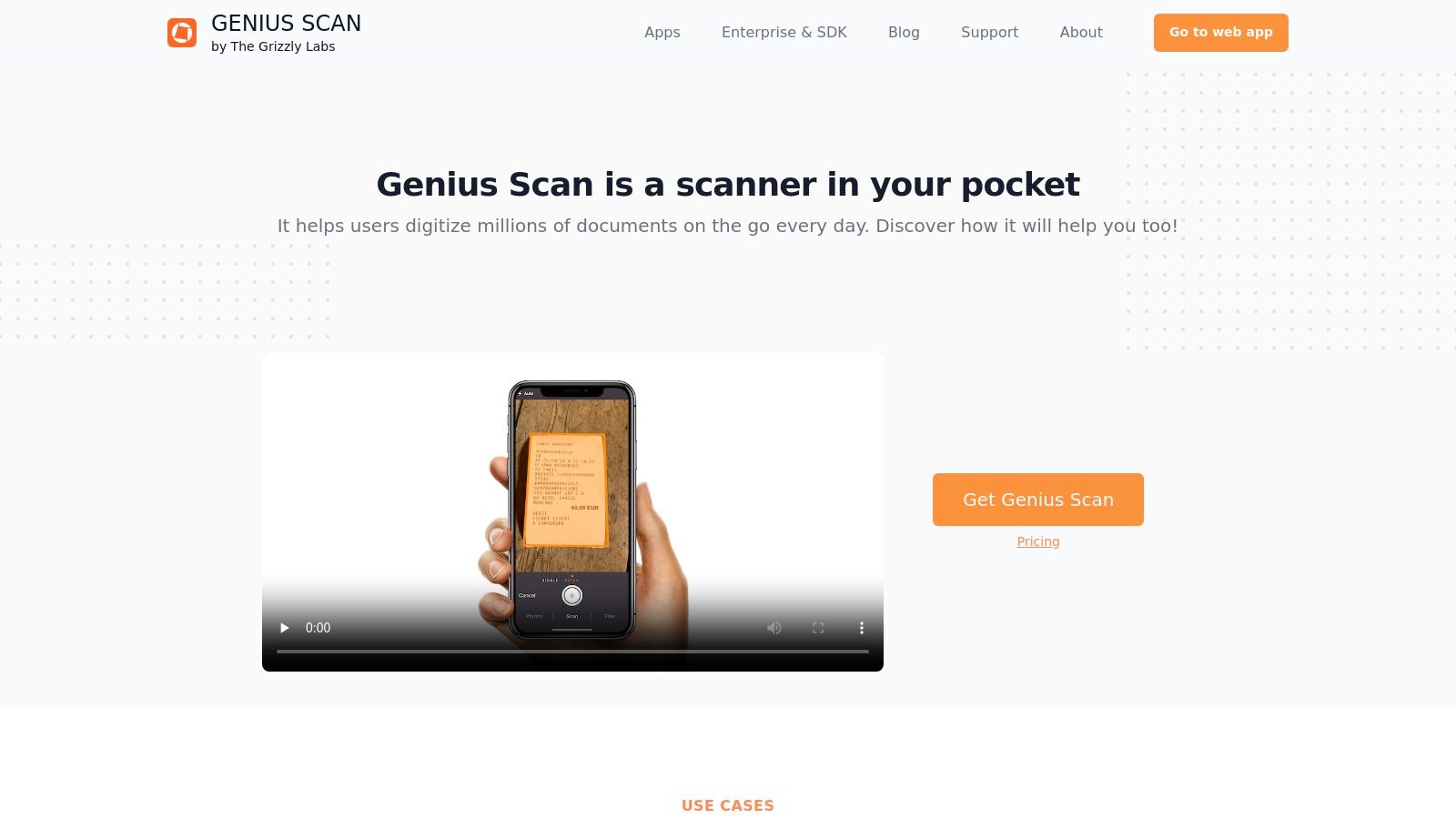
For freelancers and small business owners who want to maintain their own digital filing system, Genius Scan is highly effective. Its strength is in creating high-quality, searchable PDFs and setting up automated export workflows to services like Dropbox, OneDrive, or Google Drive. While it doesn't parse expense data into structured fields, its speed and reliability for pure digitisation make it a strong contender among the best receipt scanning apps. The transparent, one-time or low annual pricing for its premium 'Ultra' plan is also a significant advantage over subscription-heavy alternatives.
Core Functionality & Use Case
Genius Scan excels at the capture and archival stages of document management, functioning as a powerful on-ramp to your preferred cloud storage or accounting workflow.
- Best For: Privacy-conscious individuals, freelancers, and professionals in regulated industries who need a fast, reliable scanning tool and manage expense data entry separately.
- Primary Use Case: Quickly capturing single or batch receipts, applying image correction, and using automatic export rules to send searchable PDFs directly to a designated cloud folder for an accountant or for year-end tax preparation.
- Limitations: It is fundamentally a scanner, not an expense reporting tool. It lacks automated data extraction for line items, VAT, or currency, requiring manual input into other systems.
The free version is functional for basic scanning, but the 'Ultra' subscription is essential for unlocking the automation features like auto-exporting and cloud sync that make it truly efficient for business use. The 'Teams' plan offers centralised billing and management for small organisations.
4. CamScanner
CamScanner is one of the most established and feature-rich mobile scanning applications available, functioning as a comprehensive document management tool rather than a specialised expense tracker. It excels at quickly digitising paper, including receipts, using advanced image processing and cleanup tools to produce clear PDF or JPG files. While it doesn't automatically parse expense data for accounting software, its robust OCR and organisational features make it a strong contender for users needing more than a basic scan.
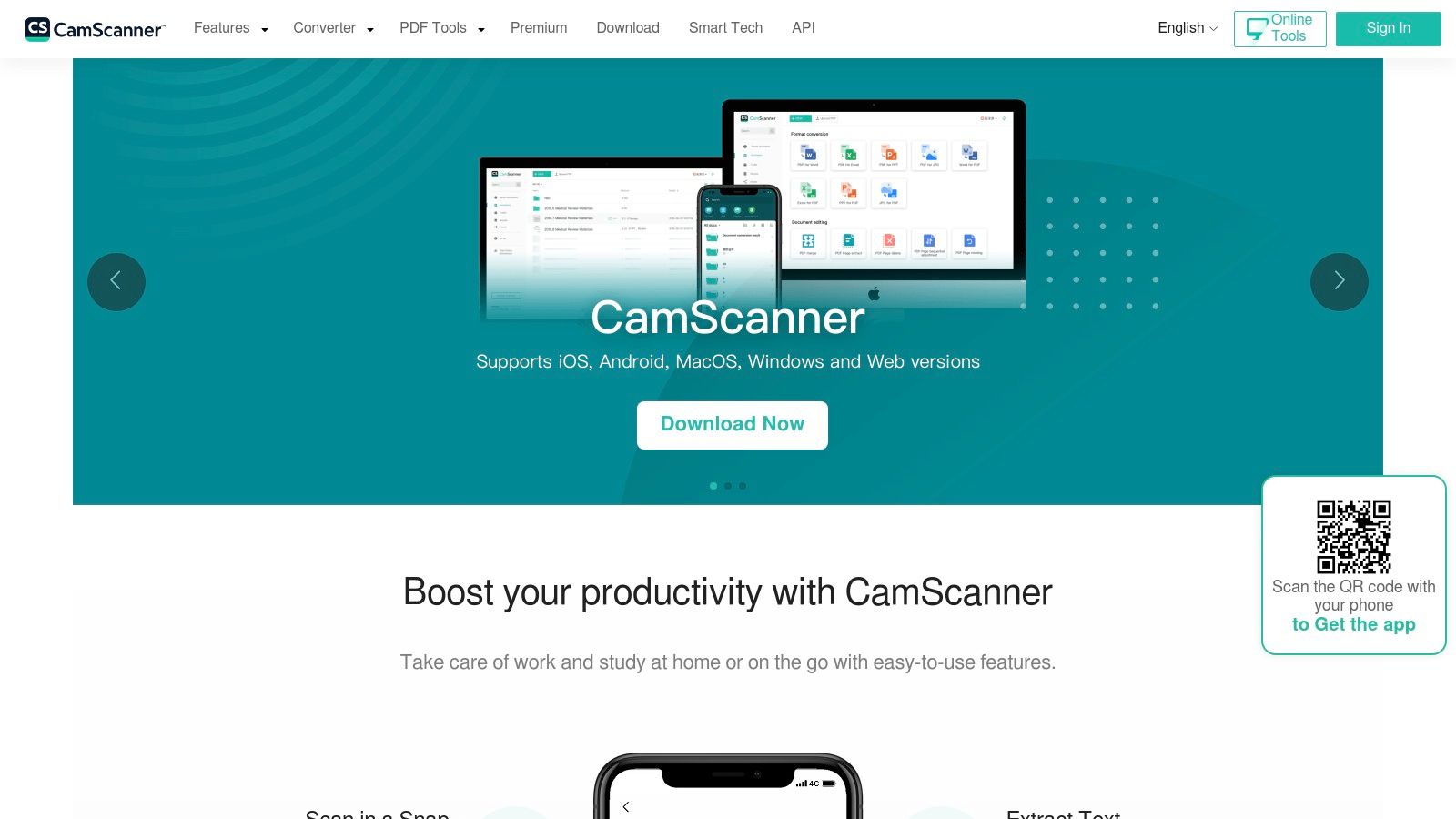
For professionals who manage a wide variety of documents alongside their receipts, CamScanner provides a unified solution. Its ability to handle multi-page scans, add annotations, and organise documents with tags and folders is particularly useful for project-based expense tracking or compiling legal documentation. The text recognition (OCR) is effective across many languages, which is valuable for international business travellers.
Core Functionality & Use Case
CamScanner's strength lies in its versatility as a powerful, all-in-one document scanner that handles receipts effectively as part of its broader capabilities. It's a mature app with frequent updates and a wide user base.
- Best For: Individuals and small businesses looking for a powerful, general-purpose scanner with advanced document editing and organisation features that go beyond simple receipt capture.
- Primary Use Case: Creating high-quality, searchable digital archives of receipts and other business documents. Users can batch-scan receipts, apply tags for different expense categories (e.g., "Travel," "Client Lunch"), and export them to various cloud storage services for later processing.
- Limitations: The free version contains advertisements and watermarks, which are unsuitable for professional use. While it performs OCR, it does not extract structured data like vendor, total, or VAT, requiring manual entry into another system. Some users may also have concerns regarding data privacy policies.
The premium subscription unlocks an ad-free experience, higher-quality scans, and more cloud storage, making it a more viable tool for business contexts. It remains one of the best receipt scanning apps for those who prioritise document management features over automated expense reporting.
- Website: https://www.camscanner.com/
5. Shoeboxed
Shoeboxed offers a unique hybrid approach, combining a mobile receipt scanning app with a physical mail-in service. Its core value proposition is offloading the entire scanning and data entry process, making it ideal for professionals facing a significant backlog of paper receipts from a business trip or tax period. The service uses human verification to ensure high data accuracy, which is crucial for creating audit-ready records and simplifying tax compliance. This makes it a strong contender for those who prefer to delegate the digitisation task entirely rather than scan each receipt themselves.
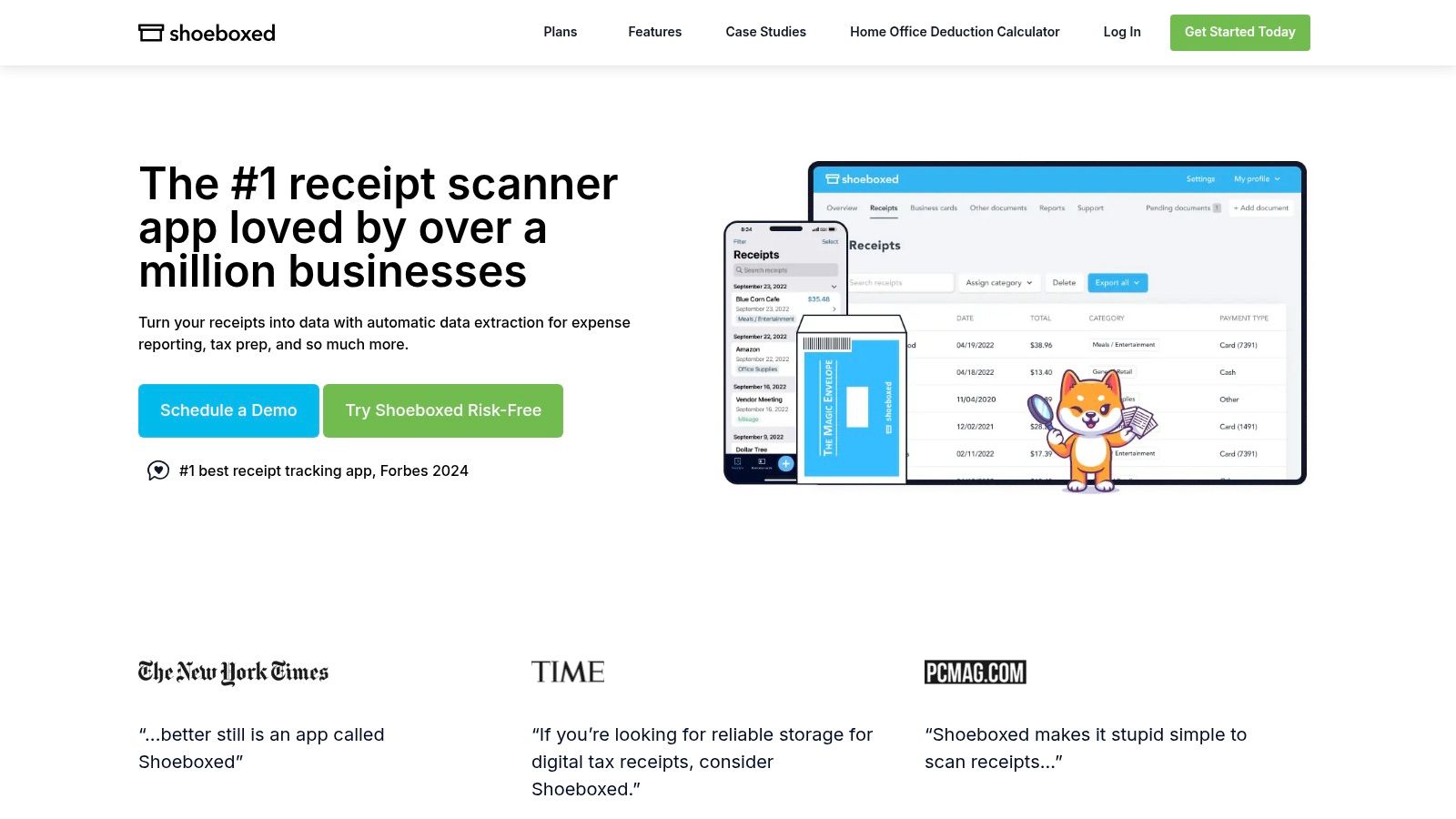
Unlike purely digital solutions, Shoeboxed caters to the tangible problem of a "shoebox full of receipts". Users can fill a prepaid "Magic Envelope," mail it in, and have the documents professionally scanned, human-verified for accuracy, and categorised in their account. This service-oriented model is particularly beneficial for small business owners or freelancers who value time over the immediacy of a mobile-only app and require meticulously organised financial documents.
Core Functionality & Use Case
Shoeboxed is less a real-time expense tracker and more a bulk-processing service for comprehensive record-keeping.
- Best For: Busy professionals, freelancers, and small businesses with large volumes of paper receipts who want to outsource the digitisation and data verification process completely.
- Primary Use Case: Clearing a backlog of physical receipts at the end of a quarter or tax year by mailing them in for professional processing. The resulting digital archive is audit-proof and can be integrated with accounting software like QuickBooks or Xero.
- Limitations: The mail-in service introduces a processing delay, making it unsuitable for immediate expense reporting. Higher subscription tiers are necessary for handling large monthly volumes of receipts, and the cost is higher than typical self-service apps.
The platform's strength lies in its human-in-the-loop verification, which significantly reduces the data entry errors common with OCR-only systems. This added layer of accuracy provides peace of mind for users who need flawless records for tax authorities.
- Website: https://www.shoeboxed.com/
6. Expensify
Expensify is a comprehensive expense management platform that goes far beyond simple receipt capture. It provides an end-to-end system for submitting, approving, and reimbursing expenses, making it a popular choice for small businesses and mid-market organisations seeking to automate their entire expense workflow. Its core feature, SmartScan, automatically extracts merchant, date, and amount details from receipt photos, reducing manual data entry for employees.
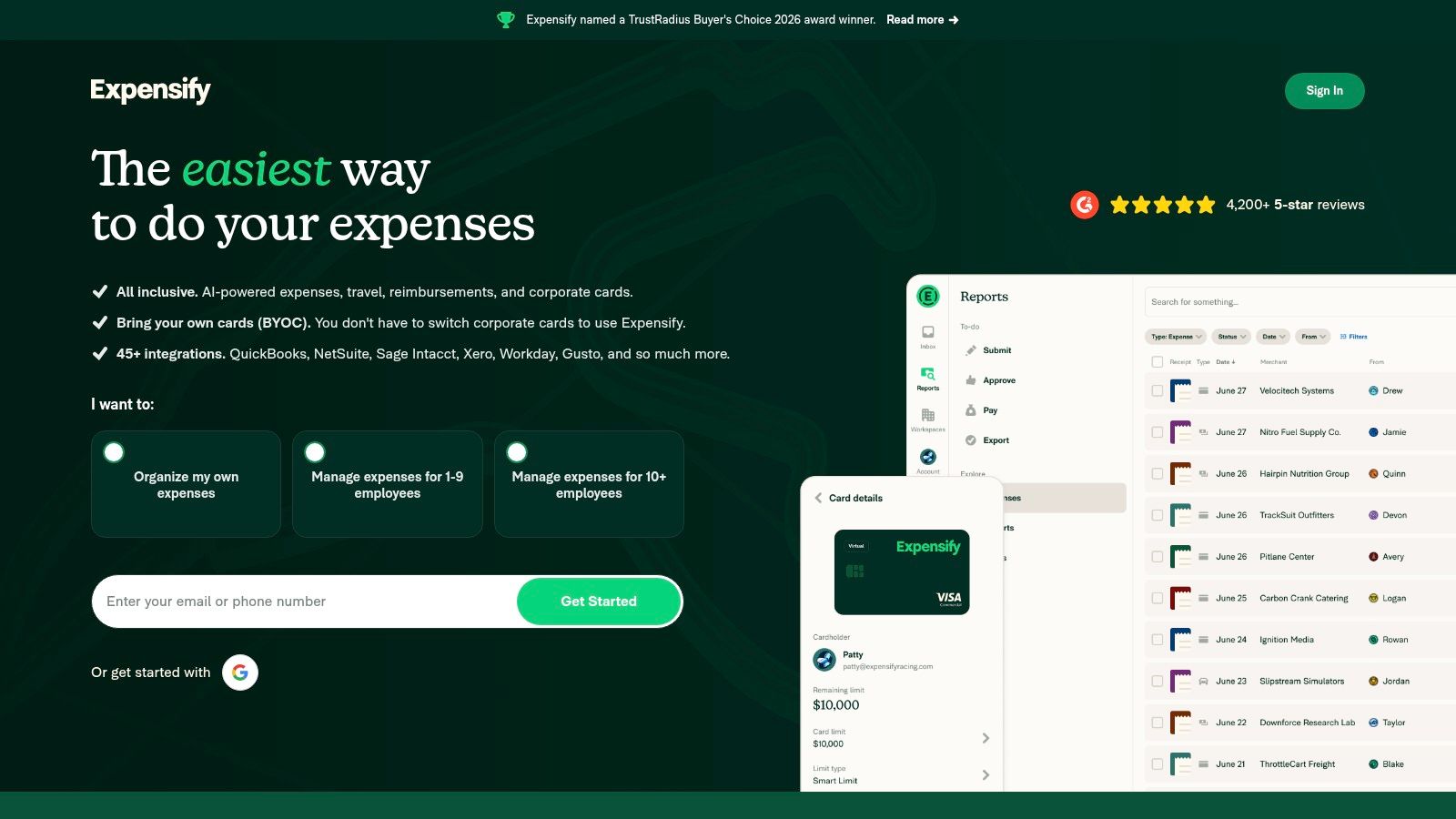
The platform’s strength lies in its ecosystem of features, including corporate card reconciliation, direct reimbursements, and extensive integrations with accounting software like Xero, QuickBooks, and NetSuite. This makes it a robust tool for finance teams aiming to enforce spending policies and gain real-time visibility into company expenditure. The mobile user experience is well-regarded, allowing team members to snap receipts and submit reports quickly while on the move.
Core Functionality & Use Case
Expensify is built for teams that require a full-suite solution, from receipt capture to reimbursement, rather than just a standalone scanning tool.
- Best For: Small to mid-sized businesses and growing teams needing a complete system for managing employee expenses, approvals, and accounting integration.
- Primary Use Case: Automating the entire expense reporting process. An employee snaps a receipt with their phone, Expensify creates the expense, the report is submitted for approval, and upon approval, reimbursement is processed, with all data syncing to the company’s accounting ledger.
- Limitations: The platform requires administrative setup to configure approval workflows and policies effectively. Additionally, some of its most favourable pricing plans are tied to the use of its own corporate card, which may not suit all organisations. For individuals, it can be more complex than necessary.
The platform scales from individual freelancers to larger finance departments, but its real value is unlocked when used by teams to manage multi-level approval chains and complex reimbursement schedules.
- Website: https://www.expensify.com/
7. Zoho Expense
Zoho Expense provides a comprehensive, end-to-end expense management system that goes far beyond simple receipt capture. It is engineered for small to medium-sized businesses that need robust controls, including multi-stage approval workflows, corporate card reconciliation, and detailed policy enforcement. Its strength lies in integrating receipt scanning into a broader financial ecosystem, making it a strong contender against platforms like SAP Concur for businesses seeking a powerful but more accessible solution.
The platform offers multiple ways to capture receipts, from mobile autoscan and email forwarding to a browser clipper for online invoices. This flexibility accommodates various user habits, whether it's a sales representative in the field or an office manager processing bulk invoices. For businesses operating internationally, its support for multiple languages and currencies is a significant operational advantage, ensuring data from different regions is processed correctly. While some users report occasional inconsistencies with the autoscan feature, its overall functionality is reliable for most business needs.
Core Functionality & Use Case
Zoho Expense is less of a standalone scanner and more of an integrated expense management platform, making it ideal for teams with formal reporting structures.
- Best For: Growing SMBs and mid-market companies needing an affordable, all-in-one system for expense reporting, policy compliance, and accounting integration.
- Primary Use Case: Automating the entire expense reporting process, from an employee capturing a receipt with their phone to the finance team approving the report, reconciling it with company credit cards, and syncing the data directly into accounting software like Zoho Books or QuickBooks.
- Limitations: The sheer number of features can present a steeper learning curve compared to simpler, scan-focused apps. The reliability of the email-in receipt parsing can sometimes be inconsistent, requiring manual checks.
Its attractive pricing and deep integration within the wider Zoho suite (CRM, Books, Projects) make it a compelling choice for companies already invested in or considering the Zoho ecosystem.
- Website: https://www.zoho.com/us/expense/
8. SAP Concur Expense (ExpenseIt)
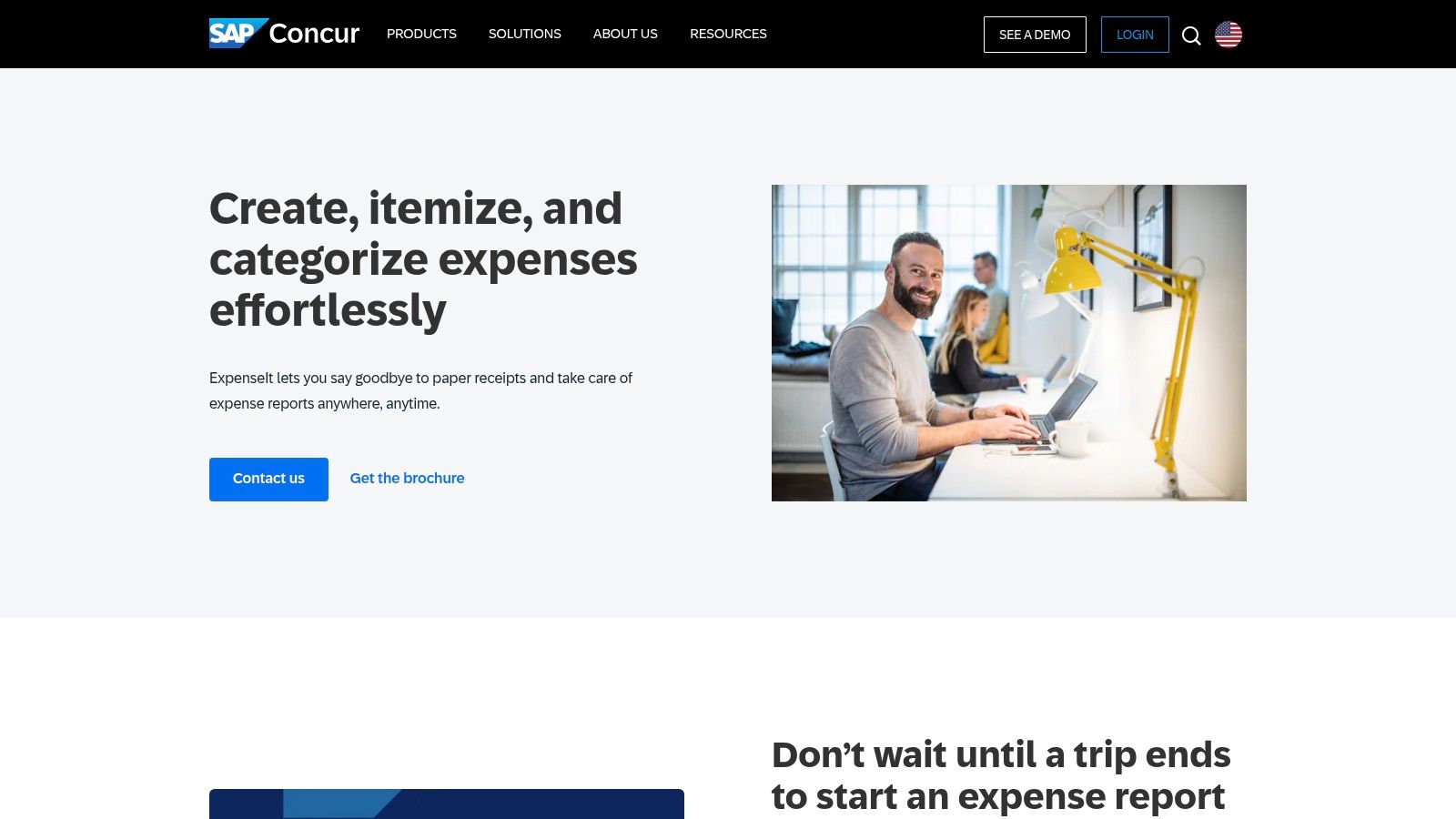
SAP Concur is an enterprise-grade expense management platform where receipt scanning, through its ExpenseIt feature, is just one component of a much larger ecosystem. It is engineered for large organisations with complex compliance needs, multi-level approval hierarchies, and deep integration requirements with ERP systems. The platform uses AI to automatically create expense line items from receipt photos, intelligently itemising complex bills like hotel folios and matching expenses to corporate card transactions.
Its primary function is not just to scan a receipt but to enforce corporate spending policies at the point of capture. For a sales representative at a large multinational, this means the system can automatically flag out-of-policy meal expenses or incorrect per diems, preventing compliance issues before a report is even submitted. This level of control is its core differentiator from simpler, individual-focused tools like Bill.Dock.
Core Functionality & Use Case
SAP Concur serves the complex needs of mid-market and enterprise clients, where expense management is tied directly to corporate governance and financial controls.
- Best For: Large companies and multinational corporations that require robust, auditable expense reporting with strict policy enforcement and integration into their existing financial software stack.
- Primary Use Case: An employee captures a receipt with ExpenseIt; the system creates a pre-populated expense line, validates it against travel and spending policies, and routes it through a multi-stage approval workflow, all within a closed, secure ecosystem.
- Limitations: The platform is significant overkill and cost-prohibitive for freelancers, solo entrepreneurs, or small businesses. Its complexity necessitates considerable implementation time, administrator training, and change management.
For individuals or small teams, the extensive feature set, from corporate card integration to detailed spend analytics, adds layers of complexity that hinder, rather than help, the simple task of logging an expense for tax purposes. Its pricing model and implementation process are designed for corporate procurement cycles, not individual sign-ups.
9. Dext Prepare
Dext Prepare is not designed for individual freelancers or employees; it is a dedicated, high-volume processing engine built specifically for accounting and bookkeeping practices. Its core purpose is to centralise and automate the collection and data extraction of receipts, bills, and invoices from multiple clients. The platform excels at creating an efficient workflow for firms that handle bookkeeping for a large portfolio of small to medium-sized businesses, removing the friction of chasing clients for paperwork.
The platform's strength lies in its multi-channel capture methods, allowing clients to submit documents via a mobile app, a unique email-in address, or direct integrations with e-commerce platforms. This flexibility, combined with a powerful supplier rules engine, allows bookkeepers to automate categorisation and publish transactions directly to accounting software like Xero or QuickBooks Online. For accounting professionals managing dozens of clients, this dramatically reduces manual data entry and standardises document processing across their entire practice.
Core Functionality & Use Case
Dext Prepare acts as a pre-accounting tool, sitting between the client's raw financial documents and the general ledger.
- Best For: Accountants, bookkeepers, and outsourcing firms that need a scalable, centralised platform to manage document collection and processing for many clients.
- Primary Use Case: A bookkeeping practice uses Dext to provide each client with an easy way to submit receipts. The firm’s staff then logs into a central dashboard to review, categorise, and publish hundreds of transactions to the appropriate client's accounting file, leveraging automation rules to ensure consistency and accuracy.
- Limitations: The credit-based pricing model can be complex to manage initially. The platform is overkill and not cost-effective for individual users or single small businesses managing their own books; its value is realised at scale within a professional practice.
The user experience is tailored for the accounting professional, with dashboards providing insights into client submission habits and data health. This makes it one of the best receipt scanning apps for firms aiming to formalise and scale their client bookkeeping services.
- Website: https://dext.com/
10. QuickBooks Online (Receipt Snap/Upload)
For the millions of small businesses already managing their finances within QuickBooks Online (QBO), the built-in Receipt Snap and Upload feature is a compelling, integrated solution. It is not a standalone app, but rather a core function designed to bring receipt management directly into the accounting workflow. This eliminates the need for a separate subscription and reduces the friction of exporting data from a third-party tool. Its primary value is connecting a physical receipt directly to its corresponding transaction in the books.
The functionality allows users to capture receipts through the QBO mobile app, forward them via a dedicated email address, or upload them directly through the web interface. QuickBooks' OCR technology then extracts key data like the vendor, date, and amount, and attempts to automatically match the receipt to an existing bank or credit card transaction. This direct linkage is invaluable for audit trails and maintaining clean financial records, a key step in moving towards a fully paperless accounting software setup.
Core Functionality & Use Case
QuickBooks’ receipt capture is designed for seamless integration, not as a standalone, feature-rich expense management tool. It prioritises bookkeeping accuracy over detailed expense reporting features.
- Best For: Small business owners, bookkeepers, and accountants who are already deeply invested in the QuickBooks Online ecosystem.
- Primary Use Case: Attaching source documents directly to financial transactions within QBO for compliance and reconciliation. It is ideal for closing the loop between a payment recorded in the bank feed and the paper receipt that proves it.
- Limitations: The feature's availability and specific functions can vary significantly based on your QBO subscription level and region. It lacks the advanced approval workflows, per-diem calculations, and policy controls found in dedicated expense management platforms.
While convenient for existing QBO users, businesses requiring more robust expense management for travelling employees or complex approval chains may find it insufficient. It is fundamentally a bookkeeping aid, not a comprehensive employee expense solution.
- Website: https://quickbooks.intuit.com/
11. Xero Expenses
For businesses already committed to the Xero accounting platform, Xero Expenses offers a natively integrated solution for receipt capture and expense claims. Instead of being a standalone app, it functions as a feature within the broader Xero ecosystem, primarily through the Xero Me mobile app. Its main purpose is to close the loop between employee spending and company bookkeeping, eliminating the need for a separate, third-party expense tool.
The process is straightforward: an employee uses the app to snap a photo of a receipt, and the system automatically extracts the vendor, date, and amount to create an expense claim. This claim can then be submitted for manager approval directly within Xero. This deep integration is its greatest strength, as approved expenses flow directly into the company’s accounts, ready for reconciliation and reimbursement. It effectively solves the problem of data silos between expense reporting and accounting software.
Core Functionality & Use Case
Xero Expenses is less a direct competitor to dedicated receipt scanners and more an embedded feature designed to enhance the value of its core accounting product.
- Best For: Small to medium-sized businesses and their employees who are already using Xero for their primary accounting and want a simple, unified system for expense management.
- Primary Use Case: Enabling employees to submit reimbursable expense claims by capturing receipts on their mobile devices, with claims automatically feeding into the company's Xero account for approval and payment processing.
- Limitations: The functionality is entirely dependent on a Xero subscription; it is not a standalone service. Its feature set, particularly around advanced analytics and custom policy controls, is less extensive than specialised enterprise platforms like SAP Concur or Rydoo.
The value proposition is clear: if your business runs on Xero, using Xero Expenses simplifies onboarding and reduces manual data entry for your finance team. However, for consultants or freelancers not using Xero, it is not a viable option, making it one of the more niche best receipt scanning apps on this list.
12. Rydoo
Rydoo is a modern, mobile-first expense management platform designed for speed and efficiency. Its core strength is its powerful AI-driven receipt scanning, which processes and converts paper receipts into pre-filled expense entries in seconds. This focus on automation makes it a compelling choice for growing businesses and teams that need to reduce the administrative burden of expense reporting while maintaining policy compliance.
Unlike simple digitisation tools, Rydoo builds an entire workflow around the scanned data. It's built for teams that require multi-level approvals, per diem management, and multi-country compliance for VAT. For professionals tired of the Friday afternoon back-and-forth with accounting, Rydoo offers a clean, user-centric interface that simplifies submission and approval, directly competing with established players like SAP Concur and European alternatives like N2F or Circula. The platform is praised for its quick implementation and intuitive mobile experience.
Core Functionality & Use Case
Rydoo excels at automating the entire expense reporting process, from capture to reimbursement, with a strong focus on the end-user experience.
- Best For: Small to mid-sized companies and growing teams needing a scalable, user-friendly expense management system with strong policy controls and ERP integrations.
- Primary Use Case: A sales representative captures a receipt with their phone; the AI extracts all relevant data, the expense is checked against company policy, and it is automatically sent to their manager for approval within the app. The finance team then syncs the approved data with their accounting software.
- Limitations: The platform has fewer third-party add-ons compared to some larger enterprise suites. North American buyers should confirm USD pricing, as the public website defaults to EUR.
Its competitive per-user pricing, starting from its entry-level plans, makes it an accessible yet powerful solution for businesses scaling up their expense management processes. For those looking for a robust receipt scanning app with built-in financial controls, Rydoo is a leading contender.
- Website: https://www.rydoo.com/
Top 12 Receipt Scanning Apps Comparison
| Product | Key features | Target audience | UX & Accuracy | Compliance & Integrations | Price |
|---|---|---|---|---|---|
| Bill.Dock (Recommended) | AI one‑snap receipt & email parsing; auto-extract merchant/date/amount/VAT/currency; delegate access; PDF/Excel/CSV export | Freelancers, consultants, small businesses, frequent travellers (Europe/DACH-friendly) | >95% AI accuracy; available on Web, iOS, Android; simple interface | GDPR compliant, EU servers, GoBD compliant, 150+ currencies, DATEV compatible export | Starter €59/year, Pro €99/year, Enterprise €199/year; 30-day free trial |
| Adobe Scan | Mobile OCR, edge detection, cleanup, searchable PDF, batch scan | General users, Adobe ecosystem users | Robust free scanning, reliable OCR, fast capture | Integrates with Acrobat/Adobe Cloud; export to Word/Excel/PPT; not expense-native | Free (optional Adobe subscriptions for premium features) |
| Genius Scan (The Grizzly Labs) | On-device processing, OCR, auto-export to cloud, searchable PDFs | Privacy-conscious freelancers & professionals in regulated industries | Very fast, accurate capture; on-device privacy | Exports to Drive/OneDrive/Dropbox; Ultra/Teams enable auto-export & web access | Low annual price for Ultra; team pricing for volume |
| CamScanner | OCR, multipage scans, PDF creation/editing, cleanup tools | Users needing advanced document tools and language support | Mature app, feature-rich; free tier has ads | Cloud exports, wide language support; review data/tracking for compliance | Free tier with ads; reasonable premium tiers |
| Shoeboxed | Mobile capture + mail-in "Magic Envelope", human data verification | Users with large paper backlogs, audit-focused small businesses | Human-verified data for high audit accuracy; slower turnaround for mail-in | QuickBooks & Xero integrations; audit-ready PDF/CSV reports | Paid tiers; mail-in envelopes and processing fees |
| Expensify | SmartScan, card matching, approvals, reimbursements, travel features | SMBs to mid-market finance teams and expense programs | Strong mobile UX; simple per-member model; scales well | Broad accounting & ERP integrations; corporate card support | Per-user pricing (varies by plan); discounts tied to US card use |
| Zoho Expense | Autoscan (mobile/email/clipper), mileage/per diem, card reconciliation, approvals | SMBs wanting full expense automation, international teams | Robust feature set for price; flexible capture methods | Integrates with accounting systems; multi-language support | Competitive pricing (varies by tier) |
| SAP Concur (ExpenseIt) | AI OCR, multi-page/offline capture, card matching, deep policy controls | Large enterprises needing compliance, complex itemisation | Enterprise-grade accuracy and controls; implementation required | Strong integrations, multi-stage approvals | Enterprise pricing; implementation & change mgmt needed |
| Dext Prepare | Capture/extract for accountants, supplier rules, publish to Xero/QBO, practice analytics | Accountants, bookkeepers, accounting firms processing many clients | Built for scale; strong data-health and automation | Native publishing to Xero & QuickBooks Online; rules engine | Credit-based / tiered pricing (complex for newcomers) |
| QuickBooks Online (Receipt Snap) | Receipt snap/upload/email-in, auto-extract, match to transactions | QBO users, small businesses keeping books in QuickBooks | Native experience reduces manual entry; integrated review | Built into QuickBooks Online; feature availability varies by plan/region | Included with QBO subscription (plan-dependent) |
| Xero Expenses | Mobile capture via Xero Me, auto-extract, create claims, approvals | Teams using Xero accounting | Seamless for Xero users; simple onboarding | Native Xero integration; receipts attach to claims | Requires Xero subscription |
| Rydoo | AI OCR to pre-fill expenses, mobile-first capture, approvals, multi-country compliance | Growing businesses, multi-country teams, travel-heavy ops | Fast scanning, clean UX; praised for speed | ERP/accounting integrations, multi-country export/compliance | Per-user pricing; competitive (public pricing in EUR) |
Making the Right Choice for Your Needs
Selecting the definitive "best receipt scanning app" is less about finding a single winner and more about identifying the right tool for your specific operational context. The ideal solution depends entirely on your role, the scale of your operations, your geographic location, and your existing software ecosystem. What proves indispensable for a freelance consultant in Germany may be inadequate for a sales team in the US or overly complex for a small business owner in the UK.
Evaluating Your Core Requirements
Your decision-making process should be guided by a clear assessment of your most persistent pain points.
- For the Individual Professional (Freelancers, Consultants): Your primary needs are speed, accuracy, and simple data export for tax purposes. You don't require complex approval workflows or policy enforcement. A dedicated, mobile-first tool that excels at OCR and categorisation is often more effective than an enterprise system's scaled-down mobile app.
- For Small Teams and Business Owners: Your focus shifts towards collaboration, compliance, and integration. Delegate access for an assistant or bookkeeper becomes vital. The ability to export structured data (CSV, Excel) that maps to your accounting software is non-negotiable. It's also worth investigating how these tools fit into your broader financial stack; for instance, it's wise to compare accounting software options like Xero and QuickBooks to see how their native or integrated receipt scanning features align with your needs.
- For Employees and Frequent Travellers: Multi-currency support and speed are paramount. The goal is to capture a receipt in seconds and move on, confident that the data is being processed correctly for your expense report. Apps with strong offline capabilities and automated field extraction (like merchant, date, VAT) are critical for reducing friction while on the road.
- For Professionals in Regulated Industries: Documentation and data security are key. Tools with on-device processing or clear GDPR compliance and EU-based servers provide an essential layer of assurance. The ability to create clean, auditable records is a must-have.
Beyond the Feature List
Beyond the direct feature comparisons, consider the implementation and ongoing use. Enterprise platforms like SAP Concur or Expensify offer powerful, end-to-end expense management but come with significant setup costs and administrative overhead. They are built for organisational control. In contrast, tools like Adobe Scan or Genius Scan provide excellent digitisation but stop short of extracting the structured financial data needed for true automation, leaving the manual work to you or your team.
For the professional who sits between these two extremes, the optimal choice is often a focused, specialised tool. An application like Bill.Dock is designed to solve the core problem of receipt capture and data extraction with high precision, without burdening the user with enterprise-level complexity. Its 95%+ AI accuracy, strong multi-currency capabilities, GDPR-compliant EU hosting, and straightforward delegate access directly address the primary challenges faced by consultants, freelancers, and small businesses. It provides a reliable bridge between the physical receipt and your financial records.
Ultimately, the best receipt scanning app is the one that integrates seamlessly into your daily tasks, reliably captures the data you need, and returns valuable time to your schedule. Evaluate your top two or three candidates against a typical week's worth of expenses. The right choice will feel less like an administrative chore and more like a dependable assistant.
Ready to eliminate manual data entry and organise your expenses with precision? Bill.Dock offers a focused, high-accuracy solution designed for busy professionals. Start your 30-day free trial today at Bill.Dock and see how quickly you can get your receipts under control.